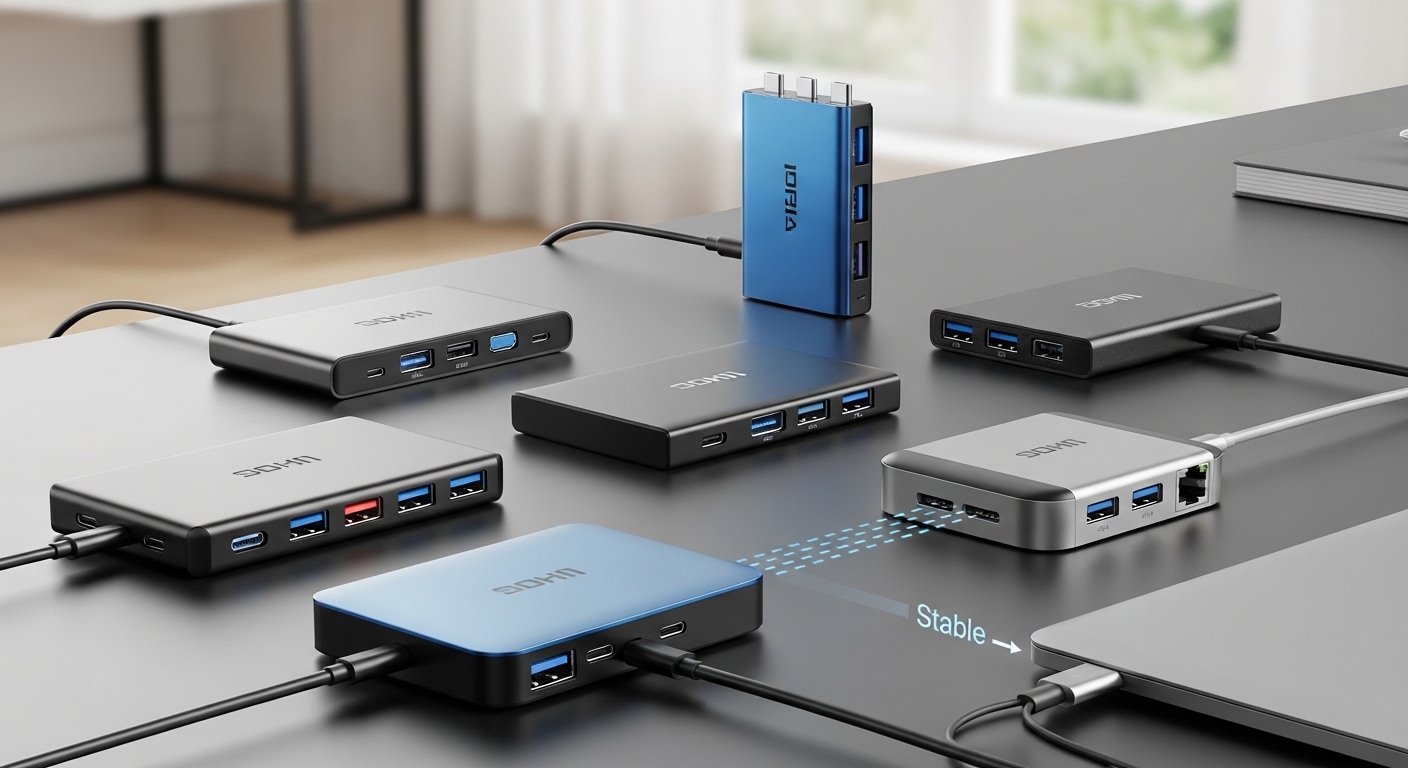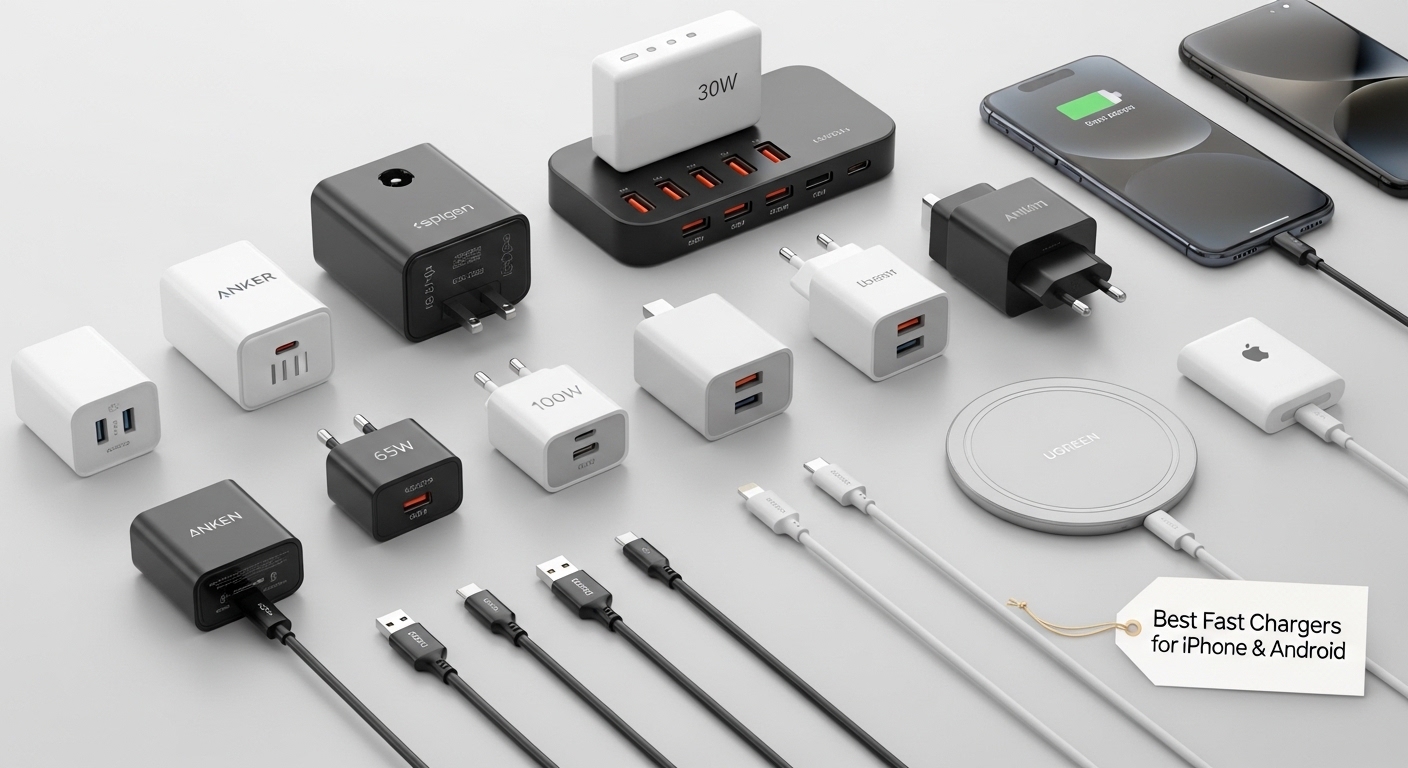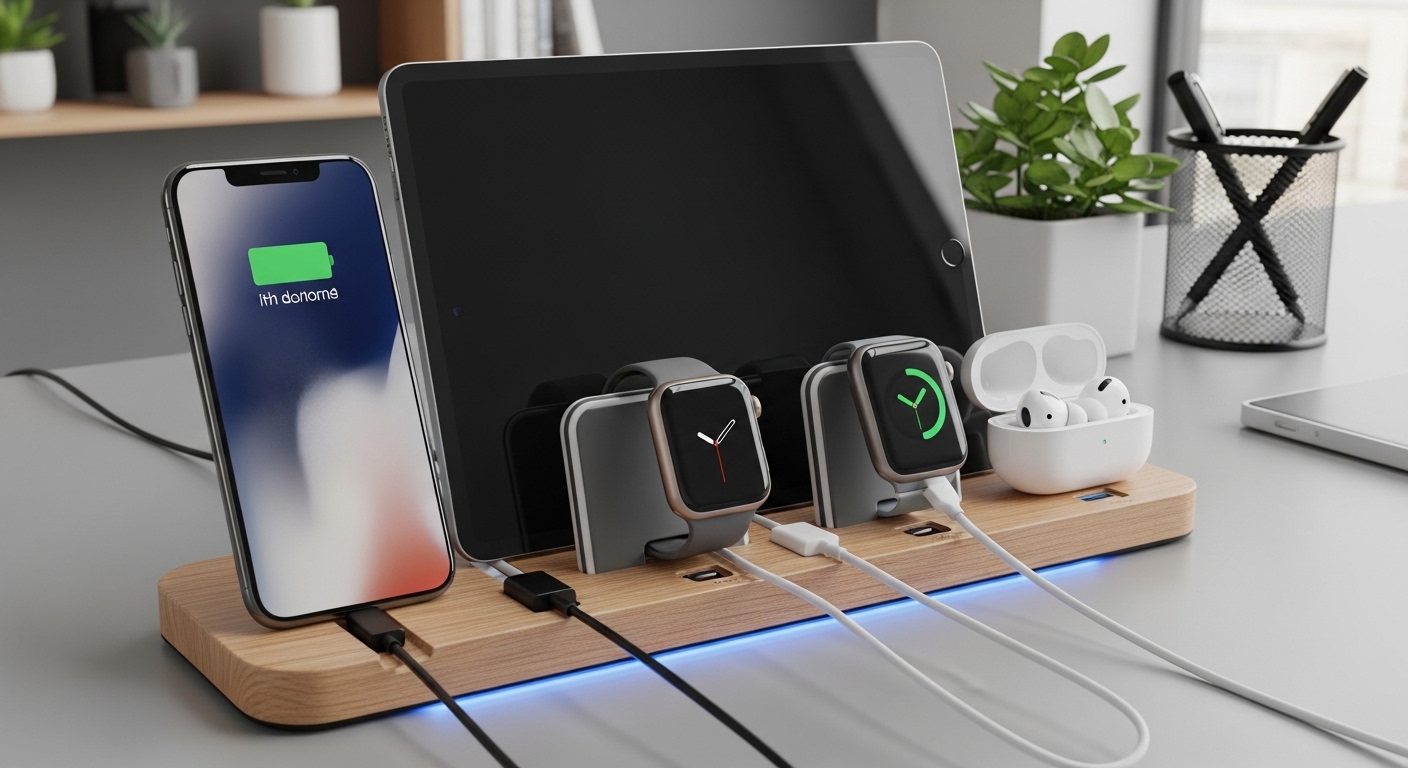
A cluttered charging setup is one of the fastest ways to create desk stress—tangled cables, overheating chargers, and constantly unplugging devices just to plug something else in. A properly designed multi-device charging and connectivity station solves all of that by creating a clean, safe, and efficient power hub for your daily devices.
This guide focuses on real-world desk organization, power safety, cable management, and workflow optimization — no product promotion, just practical experience-based advice.
Why a Multi-Device Charging Station Matters
Most people today charge or connect multiple devices daily, including:
- Phone
- Tablet
- Laptop
- Wireless earbuds or headphones
- Smartwatch
- External drives or USB accessories
Without a system, you usually end up with:
- Cable clutter
- Slower charging speeds
- Overloaded outlets
- Increased heat and safety risks
A structured station improves both productivity and device longevity.
Step 1: Identify Your Device Charging Needs
Before building anything, list your daily devices and how they are used.
Ask Yourself:
- Which devices charge overnight?
- Which devices need fast daytime charging?
- Which devices require data connection (drives, hubs, monitors)?
- Which devices stay on your desk permanently?
Real-Life Tip
Separate devices into two categories:
✔ Always-on desk devices (laptop dock, monitor connections, external drives)
✔ Daily grab-and-go devices (phone, earbuds, smartwatch)
This separation prevents unnecessary cable mess.
Step 2: Choose a Central Power Source (Avoid Outlet Chaos)
Instead of plugging every charger directly into the wall, create a single centralized power source.
What Makes a Good Power Hub Setup
- Enough outlets for your devices
- Surge protection to protect electronics
- Adequate spacing between adapters
- Stable placement under or behind the desk
Safety Tip That Actually Matters
Avoid stacking multiple extension cords or power strips together. This increases heat and electrical risk.
Real-Life Experience
Most charging clutter comes from multiple small chargers plugged everywhere. A centralized power strip instantly reduces visual and cable chaos.
Step 3: Use Multi-Port Charging Instead of Multiple Chargers
Replacing several single chargers with fewer multi-port charging solutions can:
- Reduce cable clutter
- Free up outlets
- Simplify travel packing
- Improve overall desk organization
Practical Setup Strategy
- Use one high-capacity charger for mobile devices
- Keep laptop power separate if it requires higher wattage
- Reserve one backup charging port for guests or emergency charging
Step 4: Organize Cable Routing (The Secret to a Clean Desk)
Cable management is the biggest difference between a professional-looking setup and a tangled mess.
Use Directional Cable Paths
Route cables along:
- Desk edges
- Under-desk trays
- Behind monitor arms
- Cable channels or clips
Separate Power and Data Cables
Keeping them separated:
- Reduces interference
- Makes troubleshooting easier
- Improves airflow
Real-Life Tip
Always leave slight slack in cables. Tight cables fail faster and pull devices when moved.
Step 5: Create Device Zones on Your Desk
A charging station works best when devices have designated locations.
Recommended Desk Zones
Charging Zone
For:
- Phone
- Earbuds
- Watch
- Power bank
This area should allow quick docking and removal.
Connectivity Zone
For:
- Laptop dock
- USB hubs
- External drives
- Display connections
This zone usually stays fixed and hidden behind monitors or stands.
Travel/Temporary Zone
Reserve space for:
- Guest device charging
- Temporary accessory connections
- Rotating devices
This prevents clutter from spreading into your primary workspace.
Step 6: Manage Heat and Airflow
Charging devices naturally generate heat. Poor airflow shortens battery and charger lifespan.
Heat Management Tips
- Avoid stacking chargers or devices
- Keep chargers off soft surfaces like fabric
- Leave space between high-wattage adapters
- Avoid covering power strips with cables
Real-Life Warning Sign
If cables or chargers feel hot to the touch regularly, airflow or power distribution likely needs adjustment.
Step 7: Label and Standardize Cables
One of the most overlooked desk upgrades is labeling cables.
Benefits include:
- Faster troubleshooting
- Easier cable replacement
- Reduced accidental unplugging
Standardization Tip
Try to use similar cable types whenever possible. Mixed cable standards increase clutter and confusion.
Step 8: Protect Your Devices with Power Safety Practices
Power safety is often ignored until something fails.
Smart Safety Habits
- Use surge protection for expensive electronics
- Avoid exceeding power strip ratings
- Replace damaged cables immediately
- Avoid tightly bending cables near connectors
Real-Life Insight
Many charging failures are caused by worn cable connectors rather than faulty chargers.
Step 9: Plan for Future Device Expansion
A good charging station should grow with your tech.
Future-Proofing Tips
- Leave spare charging ports available
- Use flexible cable routing that allows adding devices
- Avoid permanently locking cables into fixed positions
Step 10: Optimize for Your Daily Workflow
Your charging station should match how you actually use devices.
If You Work From Home
Focus on:
- Docking station placement
- Clean monitor cable routing
- Easy laptop connect/disconnect
If You Travel Often
Focus on:
- Quick device docking area
- Organized cable pouch system
- Multi-device charging efficiency
If You Have Many Smart Accessories
Focus on:
- Dedicated small-device charging zone
- Wireless charging surfaces
- Organized cable grouping
Common Charging Station Mistakes
❌ Too Many Separate Chargers
Creates outlet clutter and heat buildup.
❌ Poor Cable Slack Management
Tight cables fail faster.
❌ No Device Zones
Leads to constant cable movement and desk mess.
❌ Ignoring Heat Build-Up
Shortens battery and charger lifespan.
Simple Example Layout (That Works for Most People)
Behind Monitor Area
- Power strip
- Laptop dock
- External drives
Desk Corner Charging Pad Area
- Phone
- Earbuds
- Smartwatch
Under Desk Cable Tray
- Excess cable storage
- Power routing
This layout keeps daily-use devices accessible while hiding cable clutter.
Quick Setup Checklist
✔ Centralized power source
✔ Multi-port charging strategy
✔ Cable routing channels or clips
✔ Dedicated charging zones
✔ Adequate airflow and heat spacing
✔ Cable labeling and organization
✔ Surge protection enabled
Final Thoughts: What Makes a Charging Station Actually Work
From real-world experience, the best multi-device charging stations focus on three things:
- Centralized and safe power distribution
- Clear cable routing and device zones
- Future-proof flexibility
When done correctly, your desk becomes easier to use, safer for devices, and far less cluttered.