Buying a charging cable feels like it should be easy—until you end up with one that charges slowly, wiggles loose, or frays in a month. I’ve learned the hard way that “looks the same” doesn’t mean “works the same.” The good news: once you know what actually matters (connector type, watt rating, data specs, and build quality), picking the right cable becomes simple.
No product links here—just practical, real-world tips.
Why Cables Matter More Than People Think
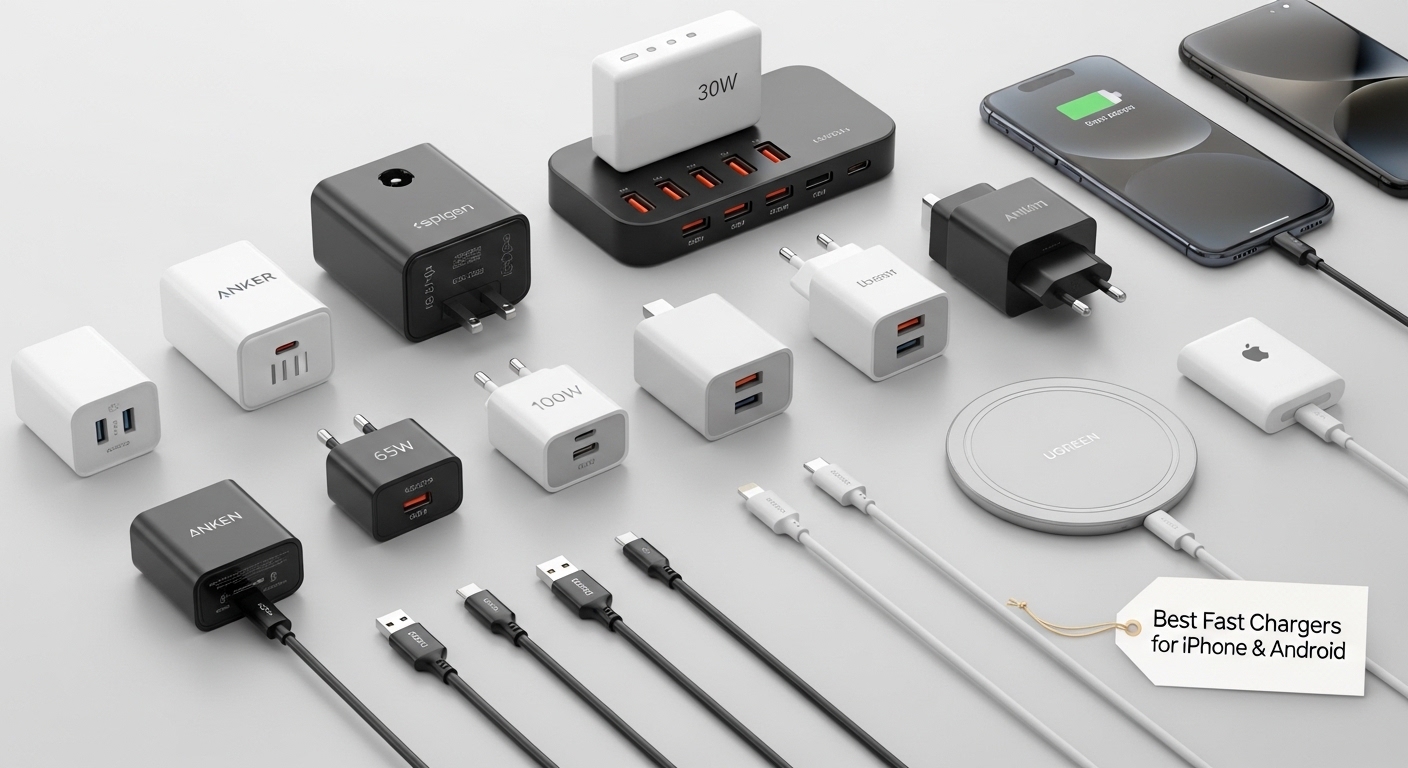
Your charger might support fast charging, but a cable can still bottleneck it. Common cable problems I see all the time:
- Slow charging even with a “fast” brick
- Random disconnects when you move the phone
- Overheating or warm connectors
- Fraying at the ends after a few weeks
- Data transfer crawling when you’re moving photos/videos
A cable is basically a “power pipeline.” The thicker and better built that pipeline is, the more stable your charging and data experience will be.
Step 1: Choose the Right Connector Type (Don’t Guess)
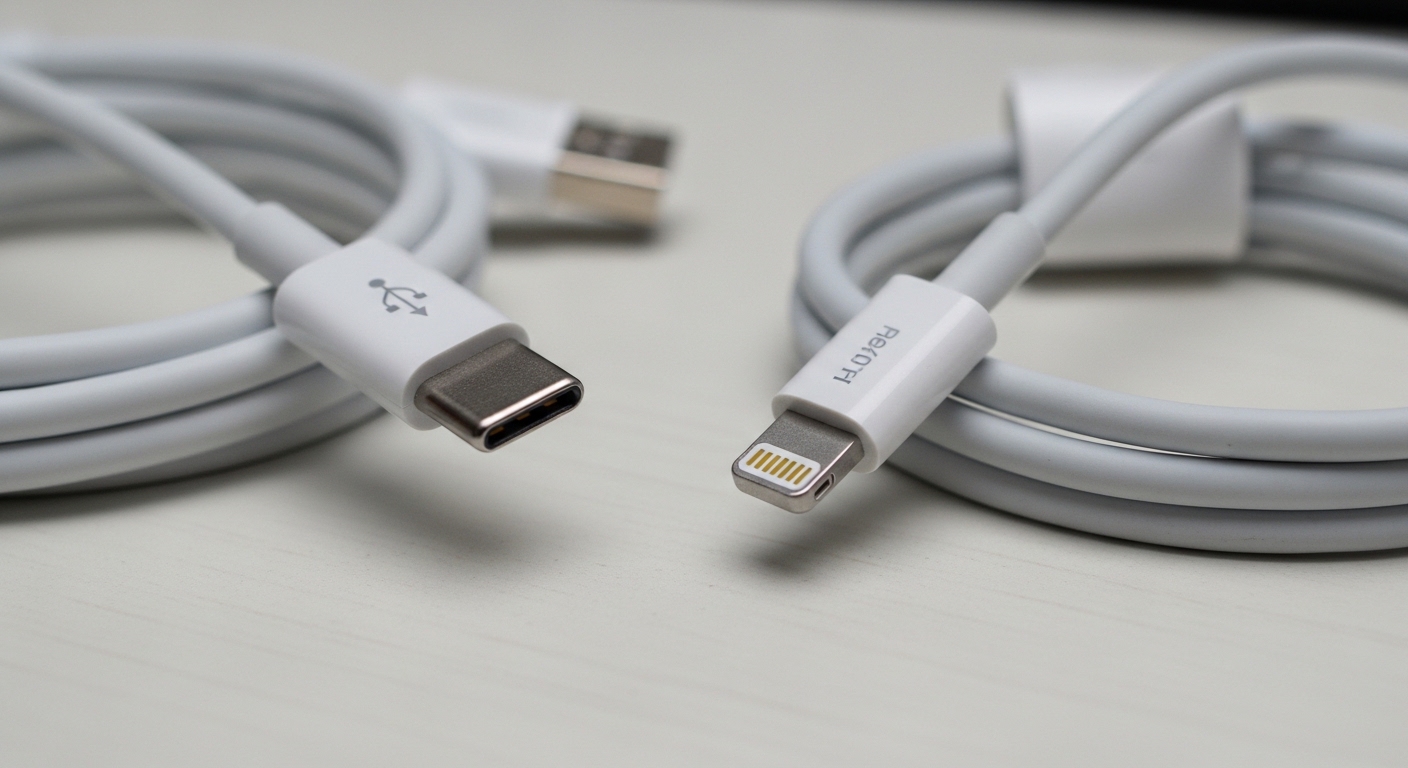
USB-C
USB-C is the modern standard for most Android phones, tablets, laptops, and many accessories.
- Can support high wattage charging (including laptops)
- Can support fast data and video output (depending on the cable/spec)
- Reversible and generally more durable than older connectors
Best for: Android phones, iPads with USB-C, power banks, laptops, modern accessories.
Lightning
Lightning is Apple’s older connector for many iPhones and some accessories.
- Works great for iPhone charging and syncing
- Doesn’t support the same max power/data range as modern USB-C setups
- Cable quality varies widely; cheap ones fail fast
Best for: iPhones that still use Lightning and older Apple accessories.
Real-life tip: Always match the cable to your device port first. Trying to “adapt everything” often creates extra points of failure.
Step 2: Pick the Correct Cable “Type” (USB-C to USB-C vs USB-A to USB-C)
USB-C to USB-C
This is the cable type most commonly needed for true fast charging today.
- Often required for USB Power Delivery (USB-PD) fast charging
- Better for modern chargers and power banks
- More future-proof
USB-A to USB-C (or USB-A to Lightning)
These still work, but they’re more likely to limit fast charging depending on your charger and device.
- Fine for older wall chargers, car chargers, computers
- Often slower than USB-C to USB-C for modern phones
My experience: If you’ve upgraded to a modern fast charger and still charge slowly, the issue is often that you’re using an older USB-A cable or brick somewhere in the chain.
Step 3: Understand Watt Ratings (This Is Where Most People Get Burned)
A cable’s “watt rating” is basically how much power it can safely carry. If your phone supports fast charging but your cable can’t handle it well, you can get:
- reduced speed
- warm cable ends
- unstable charging
What watt rating do you actually need?
- Phone charging: typically fine with 30W–60W capable cables
- Tablet charging: safer to aim for 60W+
- Laptop charging: often needs 100W or higher (depending on the laptop)
The key concept: the cable shouldn’t be the bottleneck
If you use a high-watt charger (like for a laptop) with a low-rated cable, your device might still charge—but you’ll often see:
- slower charging than expected
- more heat
- occasional “connect/disconnect” behavior
Practical rule: If you want one cable that handles almost everything, look for a cable that supports high wattage and is clearly labeled for it.
Step 4: Data Speed Specs (Only Matters If You Transfer Files, Use Hubs, or Connect Displays)
Not all charging cables are good data cables.
If you ONLY charge:
You don’t need top-tier data specs. You need:
- reliable power delivery
- good build quality
If you transfer photos/videos or use external drives:
Pay attention to data specs. A random “charging cable” can be painfully slow for file transfers.
If you connect a monitor (USB-C display output):
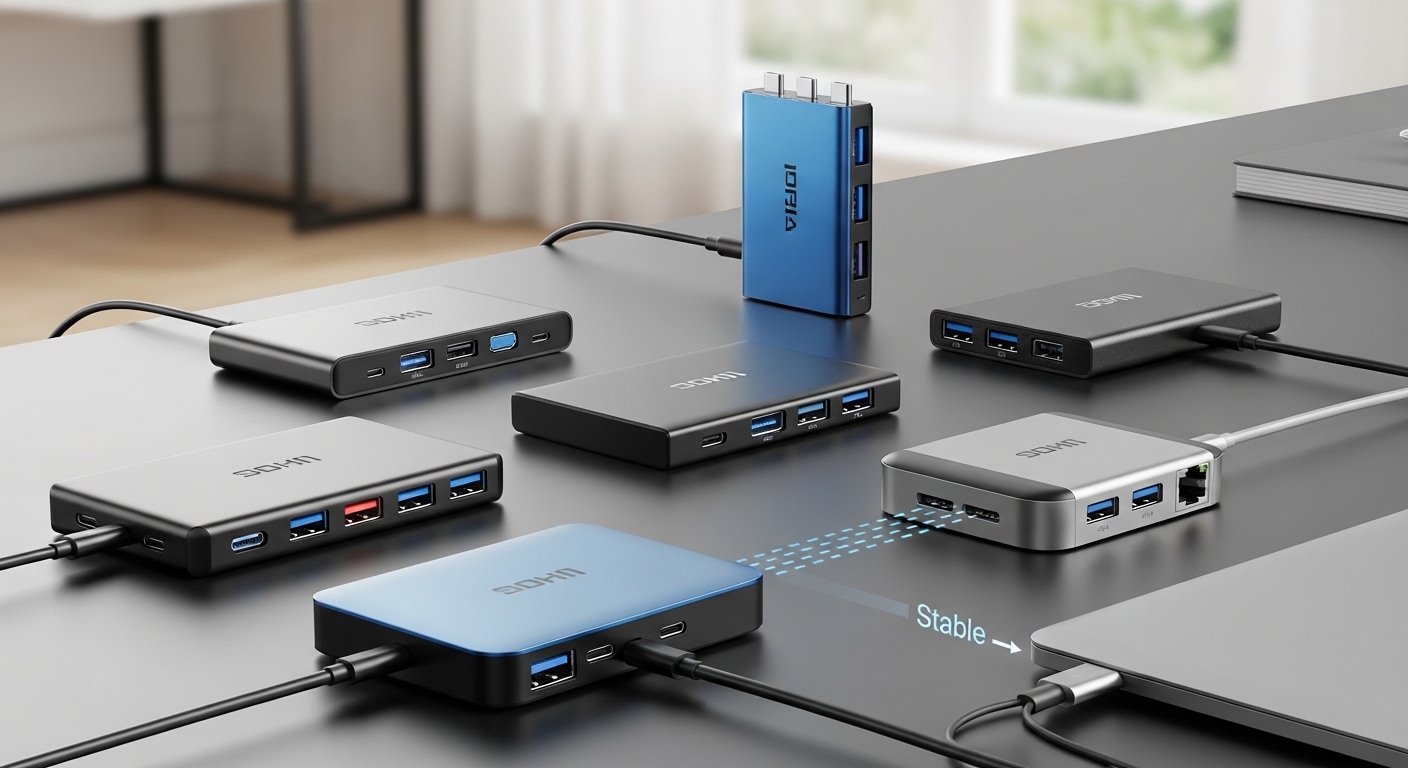
You need a cable that supports video (not all do). This is where many people get confused because the cable looks the same.
Real-life tip: If you plan to use a USB-C cable for a dock/hub/monitor, treat it as a “performance cable,” not just a charger cable.
Step 5: Durability Tips That Actually Matter (What Fails in Real Life)
1) Reinforced strain relief at the ends
This is the #1 failure point. The cable almost always dies where the connector meets the cable.
What I look for: thicker rubber/TPU at the base, or a reinforced sleeve.
2) Braided vs non-braided: not automatically better
Braided cables feel tougher, but they can still fail internally if the build is poor.
- Braided is great for abrasion resistance in bags
- Soft rubber cables can be great for flexibility and pocket carry
My take: Braided helps, but strain relief matters more than the braid.
3) Cable thickness and stiffness
Super-thin cables are convenient, but more likely to:
- heat up
- fray faster
- kink near connectors
4) Length is a tradeoff
Longer cables are convenient, but:
- can be more prone to voltage drop on cheap builds
- can tangle and stress connector ends
Sweet spot: Use shorter for desk/travel packs; longer for bedside/couch, but only if it’s well-built.
5) Heat is a warning sign
If the connector ends get noticeably hot during charging, that’s not “normal.”
- mild warmth can happen during fast charging
- hot-to-touch ends are a red flag (cable or charger issue)
Step 6: Common Mistakes (And How to Avoid Them)
- Mistake: Buying “any USB-C cable” and expecting fast charge + fast data + display
Fix: Decide your main use: charging only, charging + data, or docking/display. - Mistake: Using old USB-A cables with modern fast chargers and wondering why speed is bad
Fix: Switch to USB-C to USB-C for modern PD charging. - Mistake: One cable for everything—then it fails and you’re stuck
Fix: Keep a backup in your bag. Cables are the most common failure point.
Quick Checklist: Choose the Right Cable in 30 Seconds
Use this every time:
✅ What device connector? USB-C or Lightning
✅ What cable type? USB-C to USB-C (modern fast charging) or USB-A (legacy)
✅ Need high power? Choose a cable rated for higher wattage
✅ Need file transfer? Ensure it supports data speeds you need
✅ Need monitor/dock? Confirm it supports video
✅ Durability: reinforced ends + good strain relief
Final Recommendation: The “Best” Cable Depends on Your Use
If you’re like most people:
- For daily phone charging: a good quality USB-C to USB-C (or Lightning if your iPhone needs it) with strong strain relief is the best move.
- For travel and multi-device life: prioritize durability + higher watt rating so you aren’t limited later.
- For creators and desk setups: choose a cable that explicitly supports fast data and video when needed.